Parents & Caregivers
Parenting Routines
New-parent life runs on three-hour feed cycles, 45-minute nap windows, and 8-hour medication schedules, and almost all of them happen near a sleeping baby. A silent, wrist-only timer is the only kind that fits.
The cardinal rule of new-parent timing is 'don't wake the baby.' That makes the default iOS timer alarm a non-starter for naps and overnight feeds. Even a vibrating phone on a wood floor can carry. What you actually want is a single wrist tap that only you feel.
Haptica Timer is built around exactly that. Use a 45-minute haptic timer for a nap with a 5-minute warning so you can preempt the wakeup, a 3-hour interval for breast-feeding cycles, or a recurring 6/8/12-hour reminder for medication doses. Apple Watch keeps the alert at your wrist, no sound, no screen, no risk of waking the baby.
Quick-set templates are the unlock for sleep-deprived parents. Save your three most common timers (nap, next feed, next dose) so you can start them in literally one tap as you set the baby down. iCloud sync means both partners' iPhones and Watches share the same templates and current timer state.
"Silent alerts mean I never wake the baby during nap time." by Laura, New Mom
How it works
- 1
Build a quick-set template for your most common routines (45-min nap, 3-hour feed, medication interval).
- 2
Tap once to start the relevant timer as you set the baby down.
- 3
Feel a gentle wrist tap at the warning, and again at the end.
- 4
Both partners can see and start the same templates thanks to iCloud sync.
Tips for parenting routines
- Use the gentlest haptic intensity so you wake up to it but no one else does.
- Set a 5-minute pre-wake warning on nap timers to start prepping the next feed quietly.
- Pair the medication timer with a sticky note routine so the haptic confirms what you already wrote down.
- Keep your Watch on overnight charge during the day, not at night, so it's on your wrist for feeds.
Related Haptica Timer features
The Haptica Timer features that power this workflow:
Browse the full list of haptic timer features for iPhone & Apple Watch.
Parenting Routines FAQ
Practical parenting routines articles
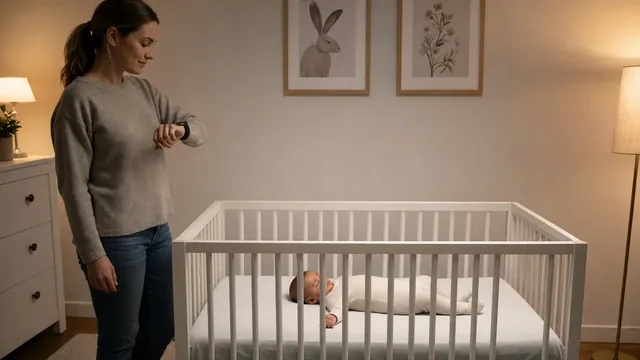
Silent Timers for Baby Naps, Night Feeds, and Bedtime Routines
Use private timer cues as prompts for caregiver routines without turning a timer into a feeding schedule, sleep rule, or substitute for a baby’s needs.
Read the article →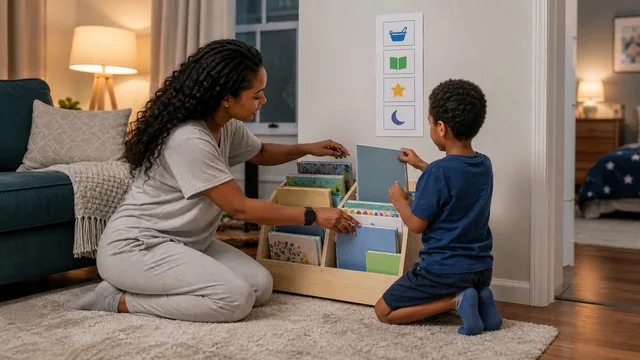
How to Build a Calm Family Routine with Time Cues
Use visible plans and quiet time cues to make transitions more predictable for children without expecting a timer to do the parenting.
Read the article →More haptic timer use cases
Try Haptica Timer for Parenting Routines
Download Haptica Timer and choose annual or lifetime access. Both purchase options include the same features.