Athletes & Fitness Enthusiasts
Workout Intervals
Glancing at a screen mid-set breaks form, breaks tempo, and breaks focus. A haptic interval timer lets you feel the transitions between work and rest, so you can keep your eyes on the bar, the road, or the clock on the wall.
Interval training only works when your transitions are precise. Tabata is 20 seconds on, 10 seconds off, eight rounds. HIIT typically runs 30 to 60 seconds of work followed by equal or longer rest. If you miss a transition by even a few seconds across a 4-round circuit, the whole session loses its intended stimulus.
Haptica Timer delivers a distinct haptic pattern at every phase change, a short pulse to start a work interval, a longer pulse to start rest, and a final pattern at the end of the session. On Apple Watch, the alert comes through the cuff so you feel it even with gloves on, in a noisy gym, or mid-burpee. On iPhone, the Taptic Engine pulses are strong enough to feel through a pocket or armband.
Because Apple Watch can run Haptica Timer standalone, you can leave your phone in the locker room. Set up the interval template once on iPhone, say, 8 rounds of 20s/10s with strong haptics, and iCloud syncs it to your wrist before your warmup is done. Most users keep two or three favorite templates: a Tabata, a steady-state HIIT, and a long-rest strength interval.
"Finally a timer I can feel mid-rep without looking at my phone." by Marcus, CrossFit Coach
How it works
- 1
Build an interval template on iPhone: work duration, rest duration, number of rounds.
- 2
Pick a distinct haptic pattern for 'work start' and 'rest start' so you can tell them apart by feel.
- 3
Open Haptica Timer on Apple Watch and tap start, phone optional.
- 4
Train. Every transition is a wrist tap. No screens, no sound, no missed reps.
Tips for workout intervals
- Use 'strong' haptic intensity for gym environments where you might miss a gentle tap.
- Save separate templates for warmup, main set, and cooldown.
- Pair with a single AirPod if you want music, but keep timer alerts haptic-only.
- Lock your Watch face during sets so accidental taps don't pause the timer.
Related Haptica Timer features
The Haptica Timer features that power this workflow:
Browse the full list of haptic timer features for iPhone & Apple Watch.
Workout Intervals FAQ
Practical workout intervals articles
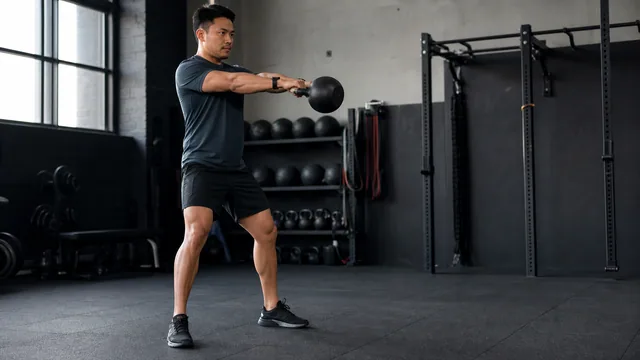
How to Build a HIIT Interval Timer That Fits Your Workout
Build a HIIT timer around your actual work, recovery, transition, and round structure instead of copying a generic interval preset.
Read the article →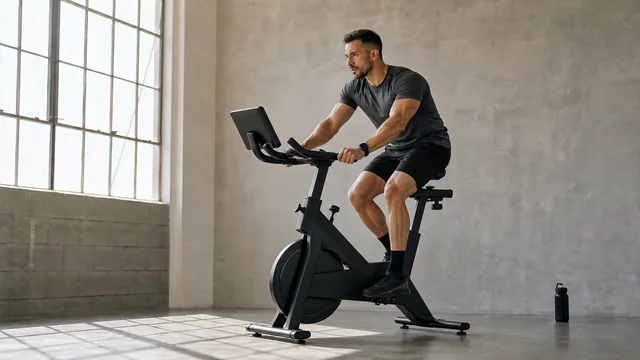
Tabata Timing Explained: 20 Seconds of Work, 10 Seconds of Rest
Understand the classic 20:10 Tabata structure, what makes it demanding, and how to time a safer practice session without missing transitions.
Read the article →More haptic timer use cases
Try Haptica Timer for Workout Intervals
Download Haptica Timer and choose annual or lifetime access. Both purchase options include the same features.