Home Cooks & Chefs
Cooking & Baking
Kitchens are loud and messy, which makes them the worst place for a screen-based timer. A strong haptic pulse on your wrist cuts through a vent hood and works whether your hands are floury, oily, or holding a knife.
Anyone who has ever pulled bread from the oven five minutes late knows the cost of a missed kitchen timer. The built-in iOS timer is fine for a single dish, but the second you have a steak resting while pasta boils and a sauce reduces, you need multiple concurrent timers and reliable alerts you can't miss over a running fan.
Haptica Timer handles all three at once. Each timer can use a distinct haptic pattern, so you instantly know whether the wrist tap means 'flip the steak,' 'drain the pasta,' or 'check the sauce.' On Apple Watch, the strong haptic mode is powerful enough to feel through chef's whites, an oven mitt, or a heavy sleeve, and it works even when your phone is across the kitchen on the charger.
For baking, where precision matters more than speed, the same haptic-pattern approach lets you build templates for proofing windows, oven preheats, and rest periods. iCloud sync means the sourdough timeline you set up on the iPhone in the morning is already on your wrist when you start shaping the dough.
"Messy hands, noisy kitchen, the wrist tap is a lifesaver." by Chef Tony
How it works
- 1
Open Haptica Timer on iPhone or Apple Watch.
- 2
Tap to start as many concurrent timers as you need.
- 3
Assign each timer its own haptic pattern so you can tell them apart by feel.
- 4
Cook. Feel a distinct wrist tap when each dish needs attention.
Tips for cooking & baking
- Use the strongest haptic intensity in noisy kitchens.
- Save reusable templates for your most common dishes (rice, pasta, soft-boiled eggs).
- Charge your Watch before a big cook, multiple long timers are cheap on battery but still worth planning for.
- Wear the Watch tighter than usual when cooking so haptics transfer cleanly to your wrist.
Related Haptica Timer features
The Haptica Timer features that power this workflow:
Browse the full list of haptic timer features for iPhone & Apple Watch.
Cooking & Baking FAQ
Practical cooking & baking articles
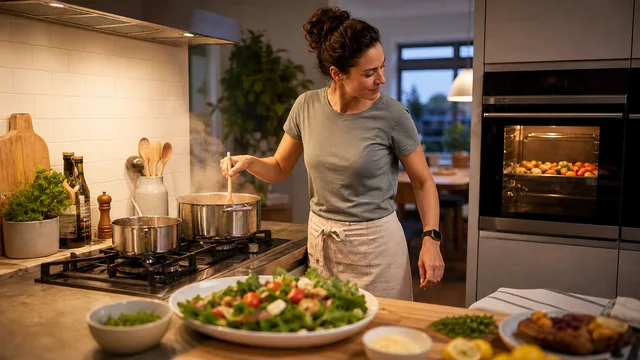
How to Run Multiple Kitchen Timers Without Losing Track of Dinner
Create a simple kitchen timing system for overlapping dishes while keeping food-temperature checks and safe handling in the foreground.
Read the article →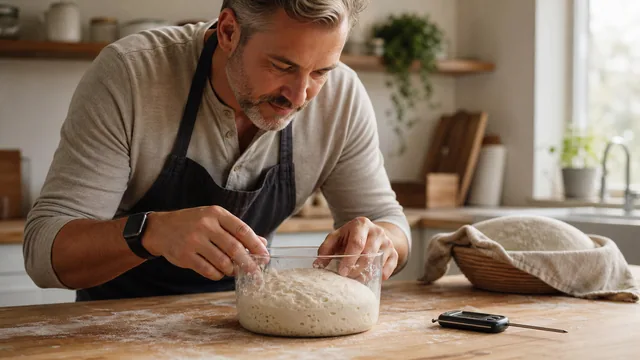
Bread Proofing Timers: Why Temperature Matters as Much as Time
Use time as one clue, not the verdict, when proofing bread. Learn how dough temperature, room conditions, and observation work together.
Read the article →More haptic timer use cases
Try Haptica Timer for Cooking & Baking
Download Haptica Timer and choose annual or lifetime access. Both purchase options include the same features.