Musicians & Performers
Music & Practice
A timer that beeps mid-take ruins the take. A timer that buzzes the table next to your microphone ruins it twice. Musicians need an alert that's felt, not heard.
Serious practice happens in long, segmented blocks: 30 minutes of technique, 20 minutes of repertoire, a short break, then sight-reading. The problem is that most timer apps fire an audible beep at the end of every block, which is fine in a kitchen, terrible in a practice room, and disqualifying in a recording session.
Haptica Timer is silent by design. Set a 30-minute block for technique with a 5-minute pre-end warning, and you'll feel a wrist tap when it's time to wrap up the étude without the timer ever making a sound. Mid-take, mid-phrase, mid-recording, none of it gets corrupted. The Watch face stays dark; only you feel the cue.
Rehearsal directors and ensemble coaches use the same approach to manage sectionals. Save templates for common rehearsal blocks (15-minute warmup, 25-minute repertoire, 10-minute notes) and switch between them silently. iCloud sync keeps the same set of templates available on the conductor's iPhone and the section leader's Apple Watch.
"I can time my practice sets without interrupting a recording." by Daniel, Session Musician
How it works
- 1
Set a practice or rehearsal block length with a pre-end haptic warning.
- 2
Open Haptica Timer on Apple Watch and start with one tap.
- 3
Play. The screen stays dark and the room stays silent.
- 4
Feel the warning, finish the phrase, take your break.
Tips for music & practice
- Use a gentle haptic so the cue blends into your peripheral awareness, not your playing.
- For recording sessions, place your iPhone in another room and rely on the Watch alone, zero risk of mic-bleed.
- Build separate templates for warmup, technique, repertoire, and sight-reading.
- Mark the end of a take with a custom haptic pattern you'll instantly recognize.
Related Haptica Timer features
The Haptica Timer features that power this workflow:
Browse the full list of haptic timer features for iPhone & Apple Watch.
Music & Practice FAQ
Practical music & practice articles
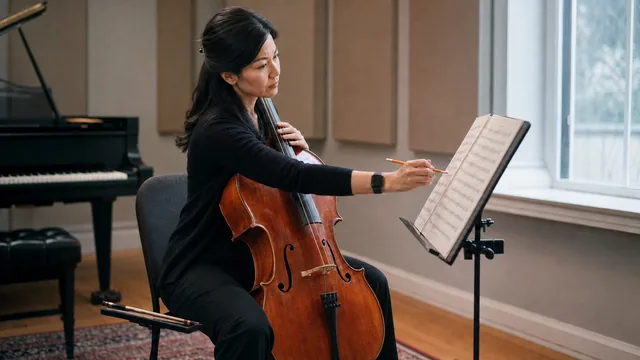
How to Structure a 60-Minute Music Practice Session
Turn one hour of music practice into purposeful blocks for preparation, technique, problem solving, repertoire, and a useful closing review.
Read the article →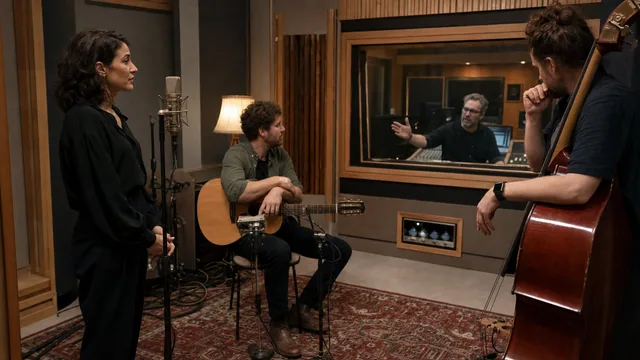
Silent Timing for Rehearsals and Recording Sessions
Use quiet timing cues to manage takes, rehearsal blocks, breaks, and handoffs without adding another audible interruption to the room.
Read the article →More haptic timer use cases
Try Haptica Timer for Music & Practice
Download Haptica Timer and choose annual or lifetime access. Both purchase options include the same features.