How to Run Multiple Kitchen Timers Without Losing Track of Dinner
A busy dinner is a small scheduling problem with heat. Name every timer for the next physical action and the whole kitchen becomes easier to read.
Scope note: A timer cannot determine whether food is safe or properly cooked. Use a food thermometer and current food-safety guidance for the ingredients you are preparing.
Dinner is a sequence of actions
When several dishes overlap, a timer labeled "12 minutes" is not enough. Twelve minutes until what? Turn the vegetables, drain the pasta, uncover the casserole, or check the chicken? Name each timer for the next action. The label should still make sense when the cue arrives and the kitchen is loud.
Write the serving time at the top of a scrap page. Under it, list the moments that cannot move: an oven finish, a resting period, the point when a sauce must be served, or a guest's arrival. Then work backward. This exposes conflicts before burners are hot.
Separate cooking time from preparation time. A recipe that bakes for thirty minutes may also need ten minutes to assemble, five to preheat a vessel, and time to rest. If every timer begins after cooking starts, the schedule ignores the work that determines whether cooking can start on time.
Choose one control point for each dish
Every dish needs a next decision. Roasted vegetables may need a turn and then a doneness check. Pasta may need a first texture check before the package estimate. Meat may need a temperature check followed by resting. Put only those useful control points on the timing map.
Avoid setting a separate alarm for every minor step. Too many cues create alarm fatigue in miniature, especially when hands are wet or several people are talking. Combine tasks that naturally happen together, such as checking the roasting pan while stirring a nearby pot.
Use a timer as a prompt to inspect, not a declaration that food is done. Oven calibration, pan material, ingredient size, starting temperature, and batch volume all change results. The cue says "check now." Your senses, recipe criteria, and thermometer determine the next action.
Put food safety outside the guesswork
For foods that require a safe internal temperature, use a food thermometer in the appropriate location. USDA's current chart lists 165°F for all poultry, including ground poultry, and 145°F followed by at least a three-minute rest for whole cuts of beef, pork, veal, and lamb. Follow the chart for the exact food.[1]
Prevent cross-contamination while the clock is running. FDA guidance emphasizes washing hands and surfaces, separating raw foods from foods that will not be cooked, cooking to safe temperatures, and refrigerating promptly. A fast schedule is not a reason to reuse a raw-meat plate or skip cleaning.[2]
If a dish finishes early, decide how it can be held safely and without ruining its texture. Do not assume the counter is a neutral waiting zone. FDA advises refrigerating perishable food within two hours, or within one hour when the air temperature is above 90°F. When in doubt, consult current official guidance.[3]
Assign timers to locations and hands
A wrist cue is useful when you are moving between the sink, stove, grill, and table. It stays with the cook and can remain quiet in a busy home. Use the phone or watch label to identify the action, and make sure the haptic pattern is noticeable before your hands are occupied.
If two people are cooking, assign ownership explicitly. "You have the bread and salad; I have the stove" is clearer than both people assuming the other heard an alarm. Each person should know which timer they will respond to and what action follows.
Keep a visible backup for the most consequential step. An oven's built-in timer or a simple kitchen timer can protect against a missed wearable cue. Never rely on a timer as a substitute for staying present around open flames, hot oil, a grill, or any situation that requires active supervision.
Plan the bottlenecks before heating
Look for shared equipment. Two dishes may need the same oven at different temperatures, or three pans may compete for two burners. Resolve those conflicts in the plan by changing order, using a different method, or choosing a dish that can wait well.
Prepare ingredients for the fastest-moving phase before it begins. A stir-fry or pan sauce leaves little room to search for a measuring spoon. Put components in order of use, clear a safe landing place for hot cookware, and keep handles away from traffic.
Build slack around unfamiliar recipes. If the meal must be ready at seven, do not make every component finish at 6:59. Let forgiving dishes finish earlier and protect last-minute attention for food that degrades quickly, such as fried items, delicate greens, or a sauce that can split.
Respond when the plan slips
When one dish runs late, pause before adding heat everywhere. Identify the true critical path. Can the salad wait undressed? Can the roasted vegetables hold while the protein rests? Can a planned garnish disappear? Simplifying one element is often better than rushing the whole meal.
Reset timers when the next condition changes. If vegetables need eight more minutes after a check, create a new cue labeled "check vegetables again." Do not rely on remembering how long it has been since the previous alarm while answering the door and setting the table.
Tell diners when the schedule changes. Serving ten minutes later is usually less disruptive than plating food that is unsafe, undercooked, or poorly rested. A calm update also releases the cook from trying to hide every adjustment.
Save the timing map that worked
After dinner, note actual times and surprises. Perhaps the oven runs cool, the pasta pot takes longer to boil, or the family prefers the vegetables more browned. These observations make the next version of the same meal easier than starting from recipe estimates again.
Keep combinations, not only individual recipes. "Roast chicken, potatoes, green beans" is a scheduling system with shared oven space and a resting window. A saved sequence can include start times, control points, thermometer targets from your source, and which dish holds best.
Multiple timers work when each one answers the question "what do I do now?" Pair that clarity with temperature checks and safe handling. The result is not a perfectly choreographed kitchen. It is a cook who can see the next decision even when dinner gets busy.
A worked example: dinner at seven
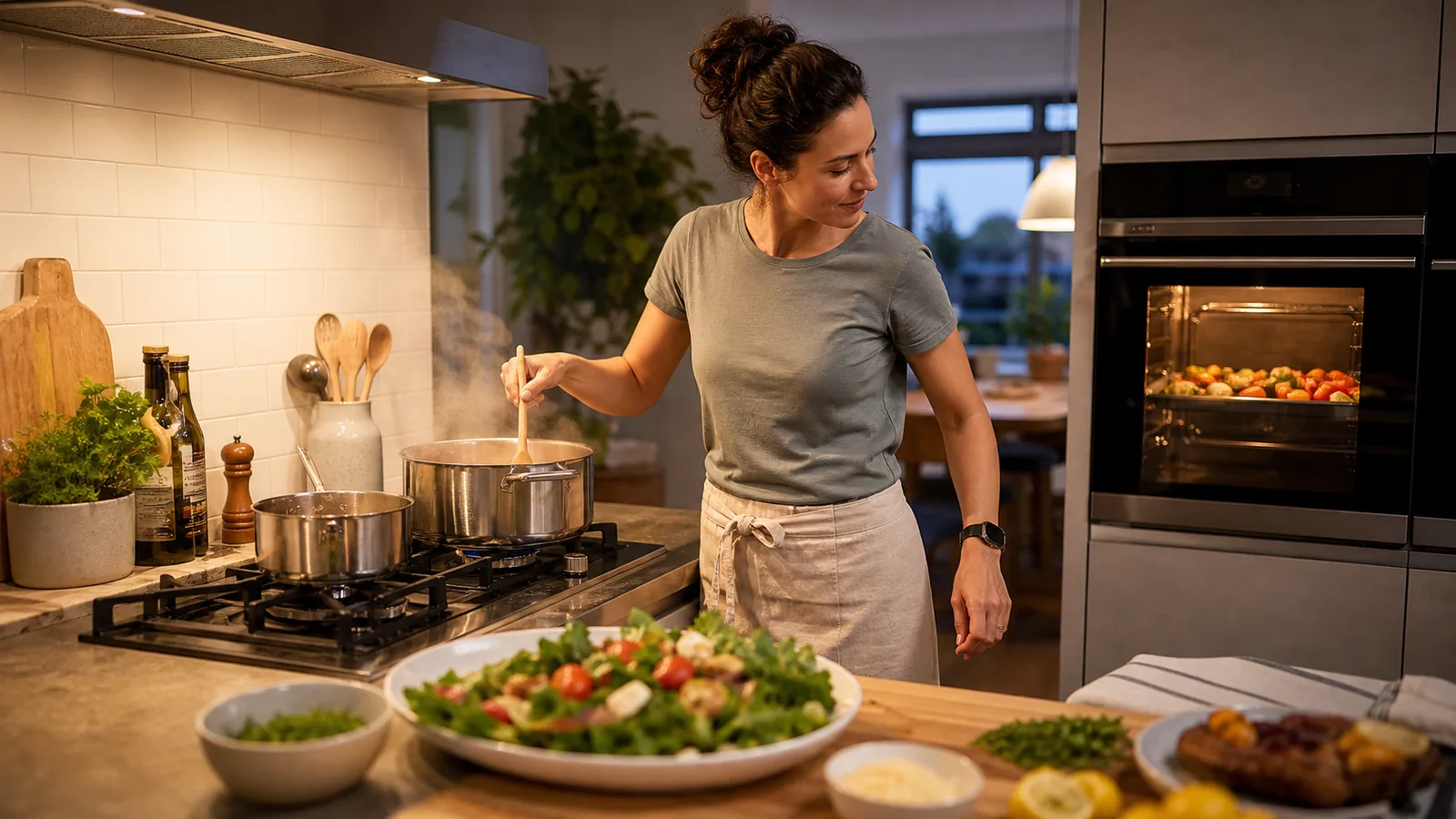
Imagine a menu of roasted vegetables, pasta with a finished sauce, and a green salad. The vegetables are forgiving, so they enter first and receive a turn cue. Water comes to a boil while the salad ingredients are prepared. The pasta timer starts only when the pasta enters the water, not when the burner turns on.
The first pasta texture check arrives before the package estimate. At that cue, the cook also checks whether the sauce is ready to receive it. If the pasta needs two more minutes, the new timer says "check pasta again." The salad remains undressed so it can wait without wilting.
The roasted vegetables can hold briefly in the switched-off oven only if the method, food, and safe temperature allow it. The pasta and sauce receive final attention, then the salad is dressed. This order protects the components that deteriorate fastest while giving the flexible dish the largest buffer.
The example is not a universal recipe. It shows the planning logic: identify what can wait, what needs a condition check, and which cue triggers the next shared action. Once those relationships are visible, four timers feel like one readable sequence rather than four unrelated alarms.
Before serving, perform a final safety and quality sweep. Verify required food temperatures with a clean thermometer, move raw-food tools to the wash area, turn off burners and appliances as appropriate, and check that hot pans have safe resting places. The last timer does not close the kitchen. The final check does.
References
- [1] Safe Food Handling. U.S. Food and Drug Administration.
- [2] Food Safety in Your Kitchen. U.S. Food and Drug Administration.
- [3] Are You Storing Food Safely?. U.S. Food and Drug Administration.
Related articles
Cooking & Baking
Bread Proofing Timers: Why Temperature Matters as Much as Time
Use time as one clue, not the verdict, when proofing bread. Learn how dough temperature, room conditions, and observation work together.
Read the articleParenting Routines
Silent Timers for Baby Naps, Night Feeds, and Bedtime Routines
Use private timer cues as prompts for caregiver routines without turning a timer into a feeding schedule, sleep rule, or substitute for a baby’s needs.
Read the articlePut quiet timing on your wrist
Get Haptica: Silent Watch Timer from the App Store and build timing cues that fit your routine.
Get Haptica on the App Store