How Long Should a Power Nap Be? Set a Silent Nap Timer You Feel on Your Wrist
Short naps beat long ones for clear-headed waking. Add your fall-asleep time, set a timer, and let a tap on your wrist do the rest.
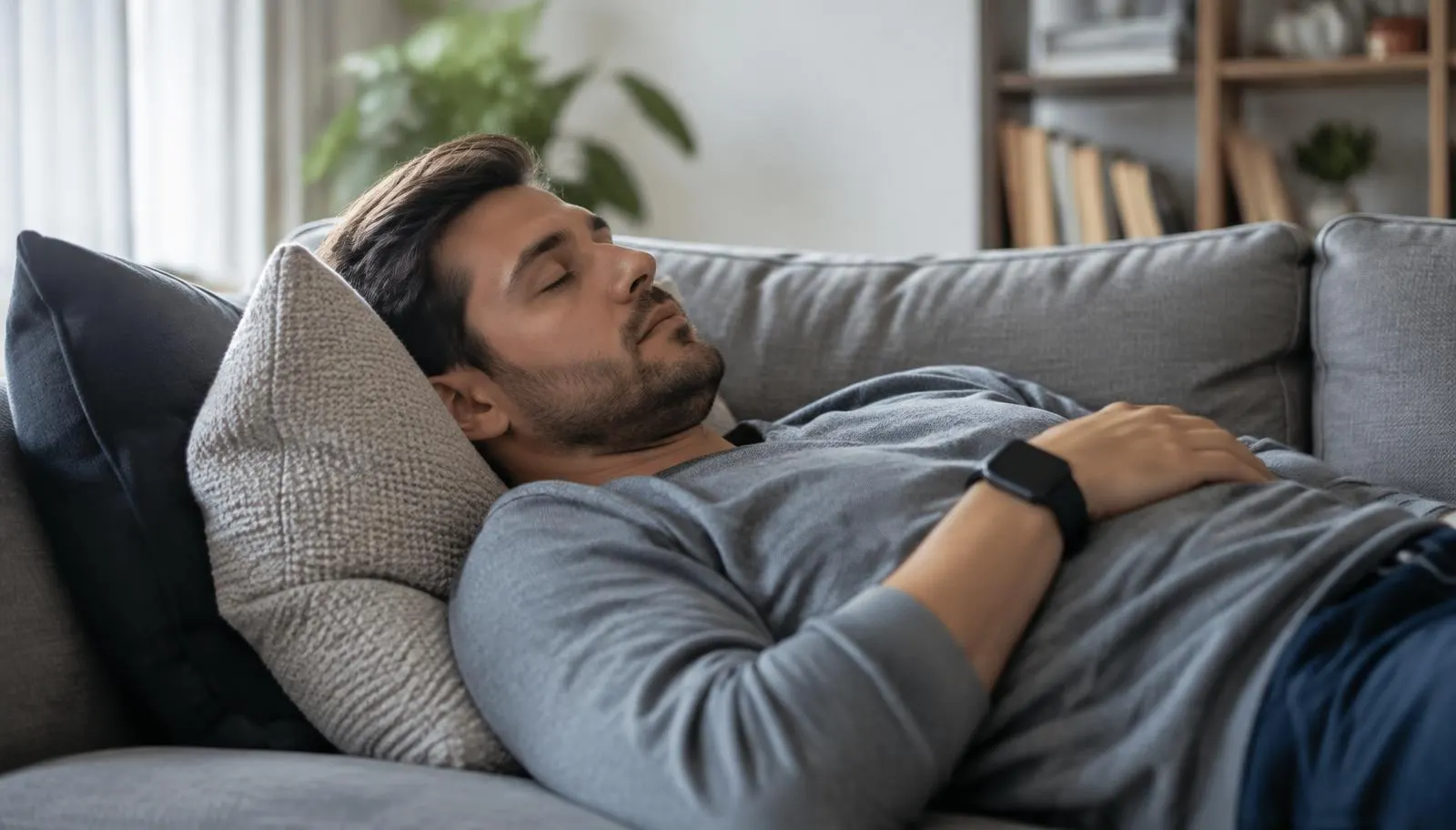
Scope note: This article is general information about short daytime naps, not medical advice. Haptica Timer is a countdown timer, not a sleep tracker, and it does not detect sleep stages. If you feel very sleepy during the day on a regular basis, talk with a doctor.
The short answer: 10 to 20 minutes
If you want to feel sharper after a nap rather than worse, keep it short. In a well known sleep lab study, adults who had slept only about five hours the night before took afternoon naps of 5, 10, 20, or 30 minutes. The 10 minute nap produced the quickest and most lasting improvements in alertness and performance. The 5 minute nap did little, and the 30 minute nap came with a period of grogginess before any benefit showed up.[1]
An earlier study from the same research group pointed the same way. A brief 10 minute nap improved alertness and performance soon after waking, while a 30 minute nap led to some impairment right after waking before it helped.[2]
So the practical target for most people is 10 to 20 minutes of sleep. Short enough to wake up cleanly, long enough to feel the difference.
Why longer naps can leave you foggy
That heavy, confused feeling after waking has a name: sleep inertia. It is a short period where your thinking and reaction time are slower than normal. The longer and deeper you sleep, the more likely you are to wake up into it.
A review of the research found that even naps of 30 minutes or less do not always avoid sleep inertia, especially when people are short on sleep, because deep sleep can start earlier than expected. That is a good reason to stay toward the short end and give yourself a few minutes to wake up fully before anything that needs your full attention.[4]
- 10 minutes: a quick reset with very little grogginess. A good default.
- 20 minutes: a slightly bigger boost. Most people still wake up cleanly.
- 30 to 60 minutes: more chance of waking up groggy for a while.
- About 90 minutes: roughly one full sleep cycle. Can work on a day off, but it is not a power nap and may affect sleep that night.
Count the time it takes to fall asleep
The research numbers above refer to time asleep, not time lying down. Most people need a few minutes to drift off. If you set a 10 minute timer and take 6 minutes to fall asleep, you only got 4 minutes of rest.
A simple fix is to add your usual fall asleep time to the timer. If you tend to drift off in about 5 minutes, set 15 minutes for a 10 minute nap or 25 minutes for a 20 minute nap. After a few naps you will know your own number and can adjust.
Planned naps work in demanding jobs too. In NASA research with long haul airline pilots, crews who were given a planned 40 minute rest period in the cockpit slept about 26 minutes on average and showed better alertness and performance afterward than crews who did not rest.[3]
Why a wrist tap beats a loud alarm
Most people nap where other people are: a couch at home next to a partner, a break room, a car parked during lunch, a dorm room, or a quiet corner while a baby sleeps nearby. A ringing phone alarm wakes everyone, not just you. So people either skip the nap or skip the alarm, and the second choice is how a 15 minute rest turns into an hour.
A vibration on your wrist only reaches you. When the countdown ends on your Apple Watch, Haptica Timer taps your wrist, so you wake up and nobody else does. You do not need to keep your phone by your ear or turn the volume up and hope.
There is a second benefit. Waking to a gentle tap instead of a blaring sound is simply a calmer way to come back. You can sit up, take a breath, and start moving without the jolt.
How to set up a nap timer in Haptica
Setting up a nap timer takes a few taps, and once it is saved you can start it the same way every time.
- Open Haptica Timer on your iPhone and create a new timer.
- Choose your total time: your nap length plus your usual fall asleep time. 15 or 25 minutes are good starting points.
- Name it something clear, like "Power nap 20", so you can find it quickly next time.
- Wear your Apple Watch snugly enough that you will feel the tap, and make sure it has enough charge.
- Start the timer, lie down, and let the tap on your wrist be the signal to get up.
- When you wake, give yourself a few minutes before anything that needs full attention, like driving.
Set up your spot so you actually fall asleep
A short nap only works if you can drift off quickly, and that depends more on your surroundings than on willpower. Dim the light if you can. An eye mask or even a folded scarf over your eyes helps in a bright office or car. Earplugs or a quiet white noise track can cover hallway chatter.
Put your phone face down and out of reach once the timer is running. Scrolling for a few minutes before you close your eyes eats into the nap and makes it harder to settle. Because the wake up signal comes from your watch, the phone does not need to be anywhere near your head.
Lying flat is not required. Many people nap well reclined in a chair or a car seat. If you tend to sleep deeply when fully lying down, a slightly upright position can make it easier to wake cleanly at the end of a short nap.
Make it a repeatable habit
Naps tend to work best when they are predictable. Picking a rough time, such as early afternoon when many people feel a natural dip in energy, means your body starts to expect the rest and you fall asleep faster.
Save one or two nap timers in Haptica so starting a nap is a single tap. A 15 minute timer covers a quick reset, and a 25 minute timer covers a fuller 20 minute nap. Using the same timer every day removes one more decision when you are already tired.
Pay attention to how you feel 15 minutes after waking, not just the first minute. If you are often groggy, shorten the timer by five minutes. If you feel like you barely rested, try adding five. Within a week or two you will land on the length that suits you.
It also helps to plan what happens right after the nap. A glass of water, a short walk, or a few minutes of daylight can help you shake off the last bit of drowsiness and get back to work or family time with a clear head.
Who gets the most from a silent nap timer
Shift workers and people on call often nap at odd hours in shared rooms where noise is not an option. Parents grab rest while a baby naps and cannot risk an alarm waking the child. Students use a short nap between study blocks in libraries or shared housing. Office workers rest in a car or quiet room at lunch and need to be back on time without drawing attention.
If you use Haptica for focus blocks during the day, a short nap fits naturally into the same routine. A 20 minute rest before an afternoon deep work session can make the session itself go better.
Safety and good sense
A nap is not a replacement for a full night of sleep. If you regularly need naps to get through the day, or you fall asleep without meaning to, that is worth raising with a doctor.
Never use a nap timer as a way to keep driving when you are drowsy. If you are tired behind the wheel, pull over somewhere safe and stop. After any nap, allow time for grogginess to pass before you drive or do anything risky.[4]
Finally, a short nap late in the day can make it harder to fall asleep at night for some people. If that happens to you, nap earlier in the afternoon or keep it to 10 minutes.
Frequently asked questions
How long should a power nap be? For most adults, about 10 to 20 minutes of sleep. Research found a 10 minute nap gave the fastest boost with the least grogginess after a short night.[1]
Does Haptica Timer know when I fall asleep? No. Haptica is a timer, not a sleep tracker. It counts down the time you set and taps your wrist when it ends, which is why adding your usual fall asleep time helps.
Will the vibration wake my partner? A wrist tap is much quieter than a phone alarm and is usually felt only by the person wearing the watch.
Can I use my iPhone without an Apple Watch? Yes. Haptica also vibrates on iPhone, but you will feel it most reliably on your wrist, especially if the phone is on a soft surface.
References
- [1] A Brief Afternoon Nap Following Nocturnal Sleep Restriction: Which Nap Duration is Most Recuperative?. Sleep via PubMed.
- [2] The Short-Term Benefits of Brief and Long Naps Following Nocturnal Sleep Restriction. Sleep via PubMed.
- [3] Alertness Management: Strategic Naps in Operational Settings. Journal of Sleep Research via PubMed.
- [4] A Review of Short Naps and Sleep Inertia: Do Naps of 30 Min or Less Really Avoid Sleep Inertia and Slow-Wave Sleep?. Sleep Medicine via PubMed.
Related articles
Focus Sessions
A Quiet Pomodoro Workflow for Apple Watch
Create a quiet Pomodoro-style workflow with an Apple Watch, clear work intentions, useful breaks, and fewer reasons to check a screen.
Read the articleFocus Sessions
ADHD and Time Blindness: Using Tactile Cues Instead of Alarms
A practical guide to managing ADHD time blindness with silent wrist cues, short start ramps, and gentle exit warnings instead of loud phone alarms.
Read the articlePut quiet timing on your wrist
Get Haptica: Silent Watch Timer from the App Store and build timing cues that fit your routine.
Get Haptica on the App Store